Free Movies and Live Channels
• Live Sports
• Live News
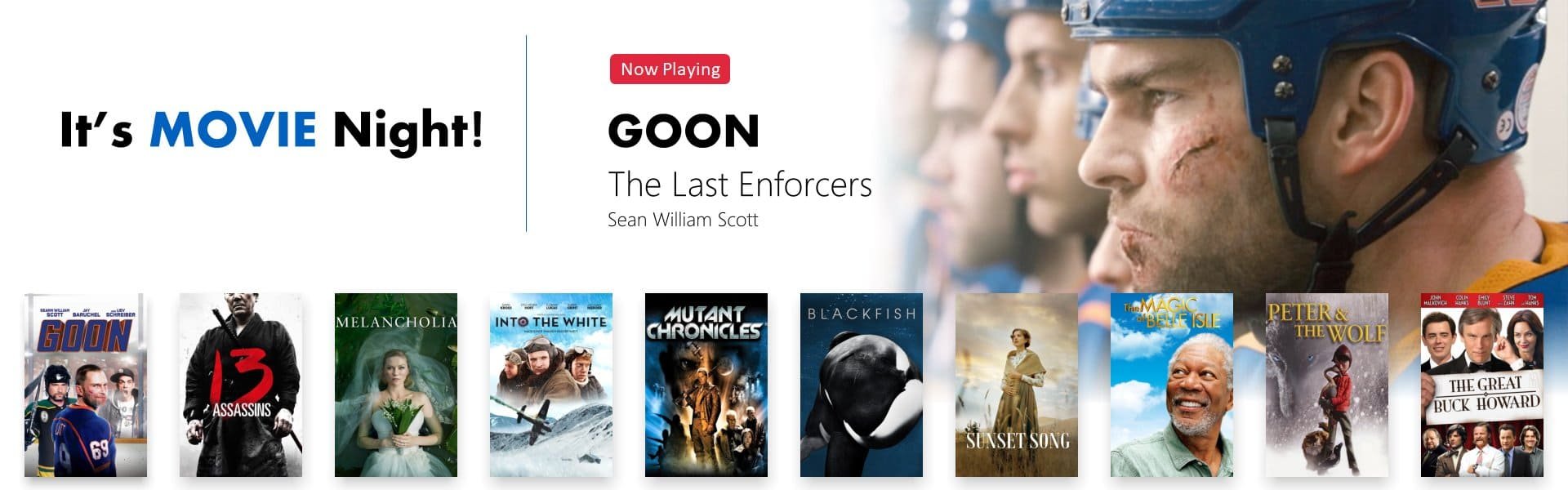
• Thousands of Hours of Movies
• New Titles Added Weekly
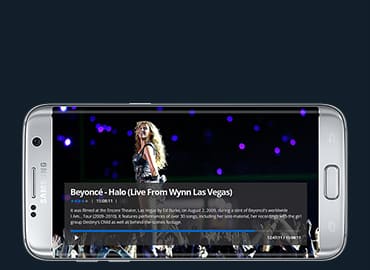
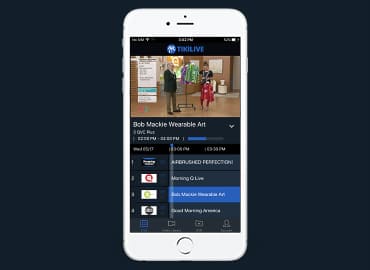
• Watch From Web or Apps
Complete Cloud Based Platform
• Schedule Unlimited Channels
• Add Unlimited VODs
• Earn With Pay Per View Events
• Add Closed Captions Automatically
• Stream to CTV and Native Apps
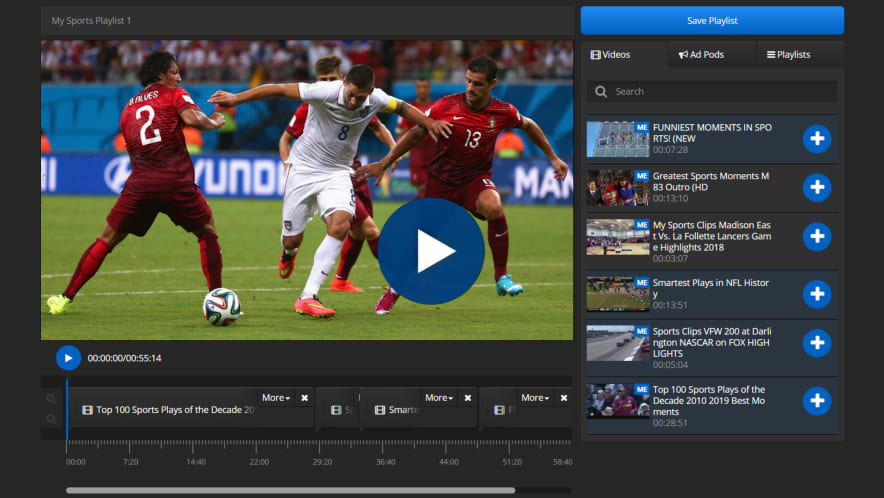
Use our exclusive Channel Manager to program 24/7 linear channels! No experience needed.
With our drag-n-drop playlist interface you will be in total control of your entertainment and advertising.
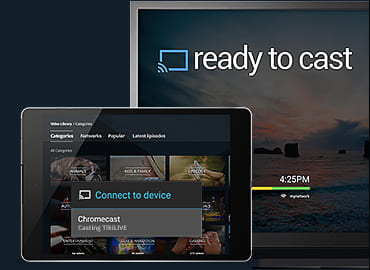
Once you have a streaming 24/7 channel, you may easily distribute the stream.
Press the PLAY button below and see how easy this is!
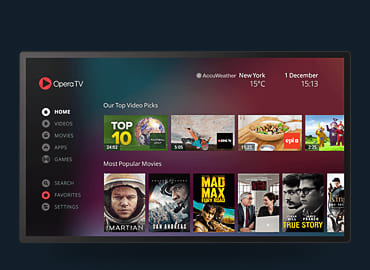
 Opera TV